How it works
From a photo to a collection you can show.
Eight steps, one screen each. Every one of them is in the Quest app today.
01
Capture
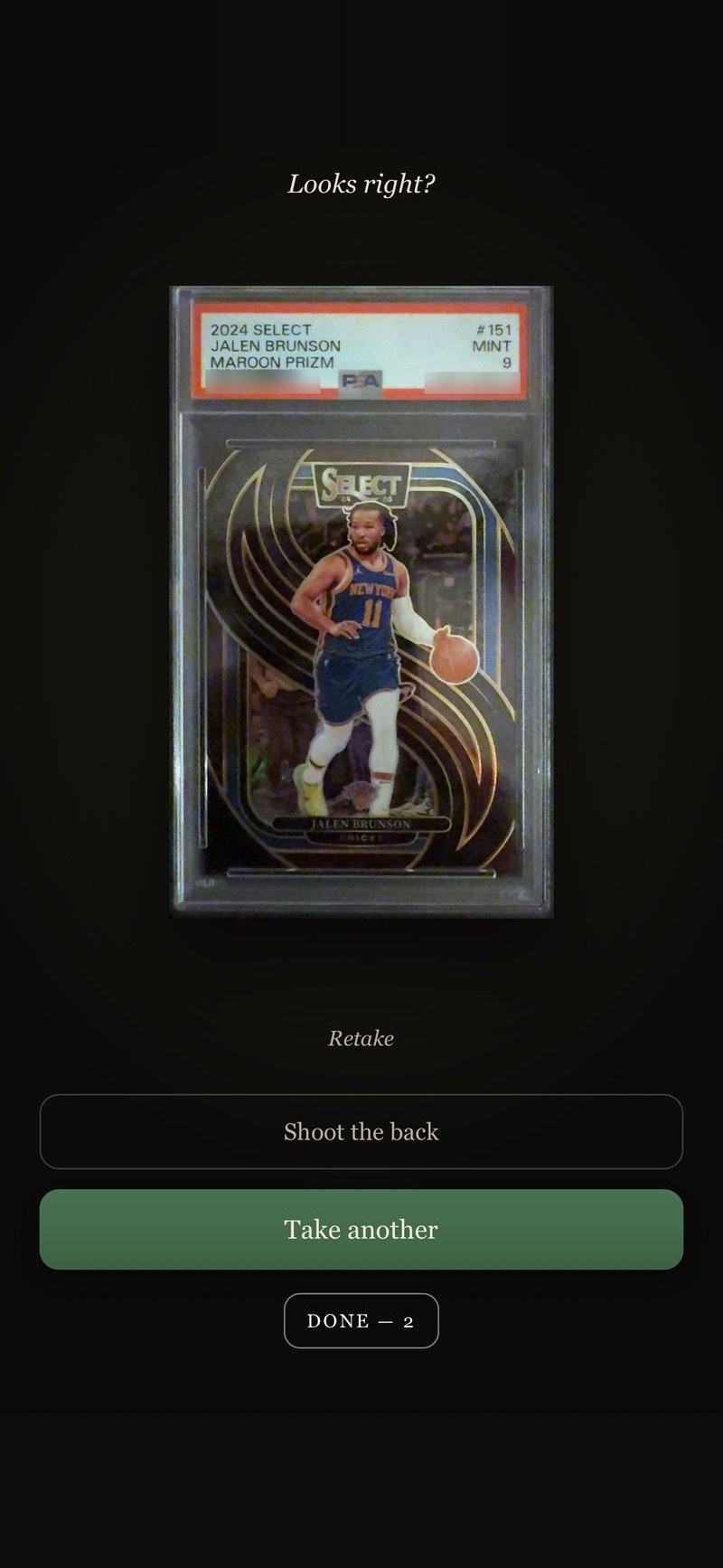
Photograph a card, or a handful at once.
02
The Check
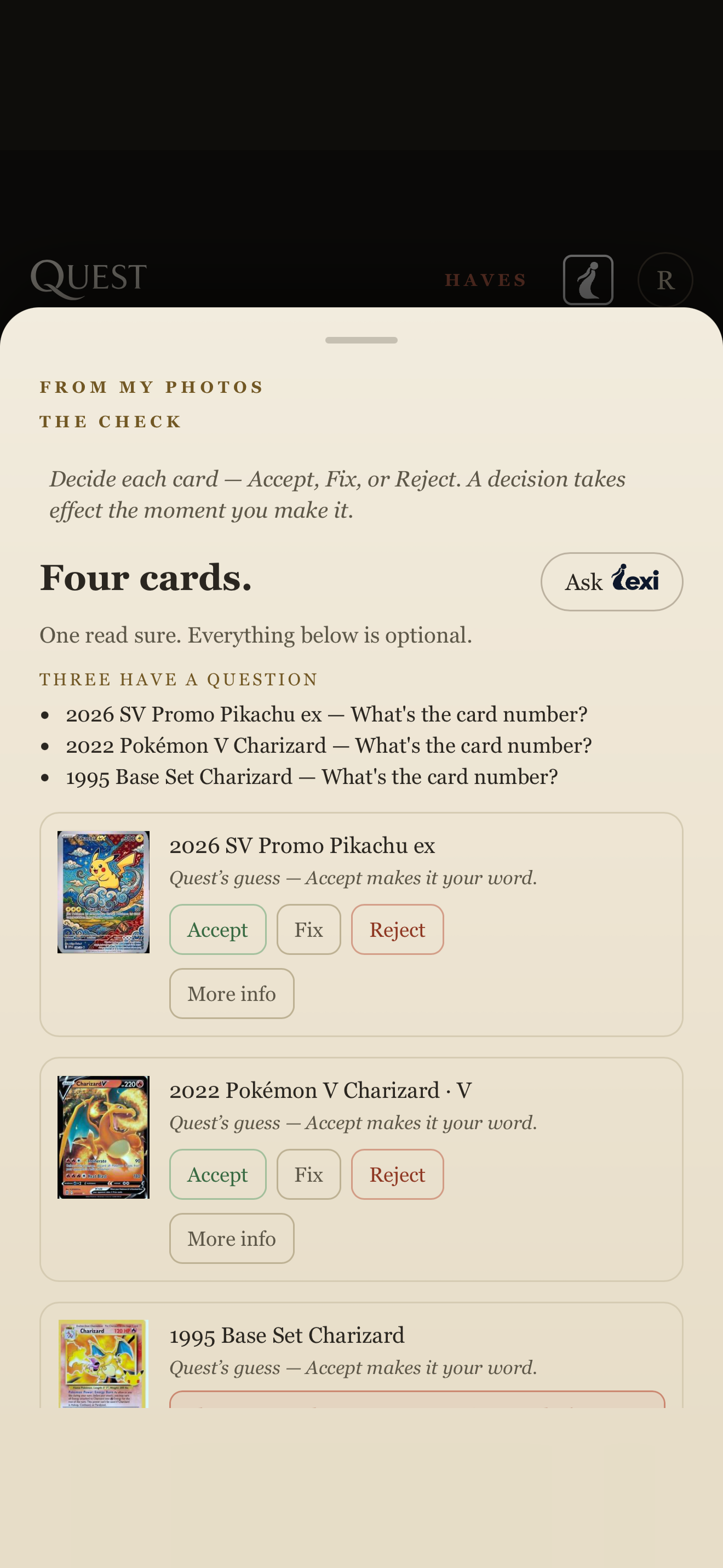
Quest tells you what it read. You accept, fix or reject each card. That’s the Check.
03
Chase
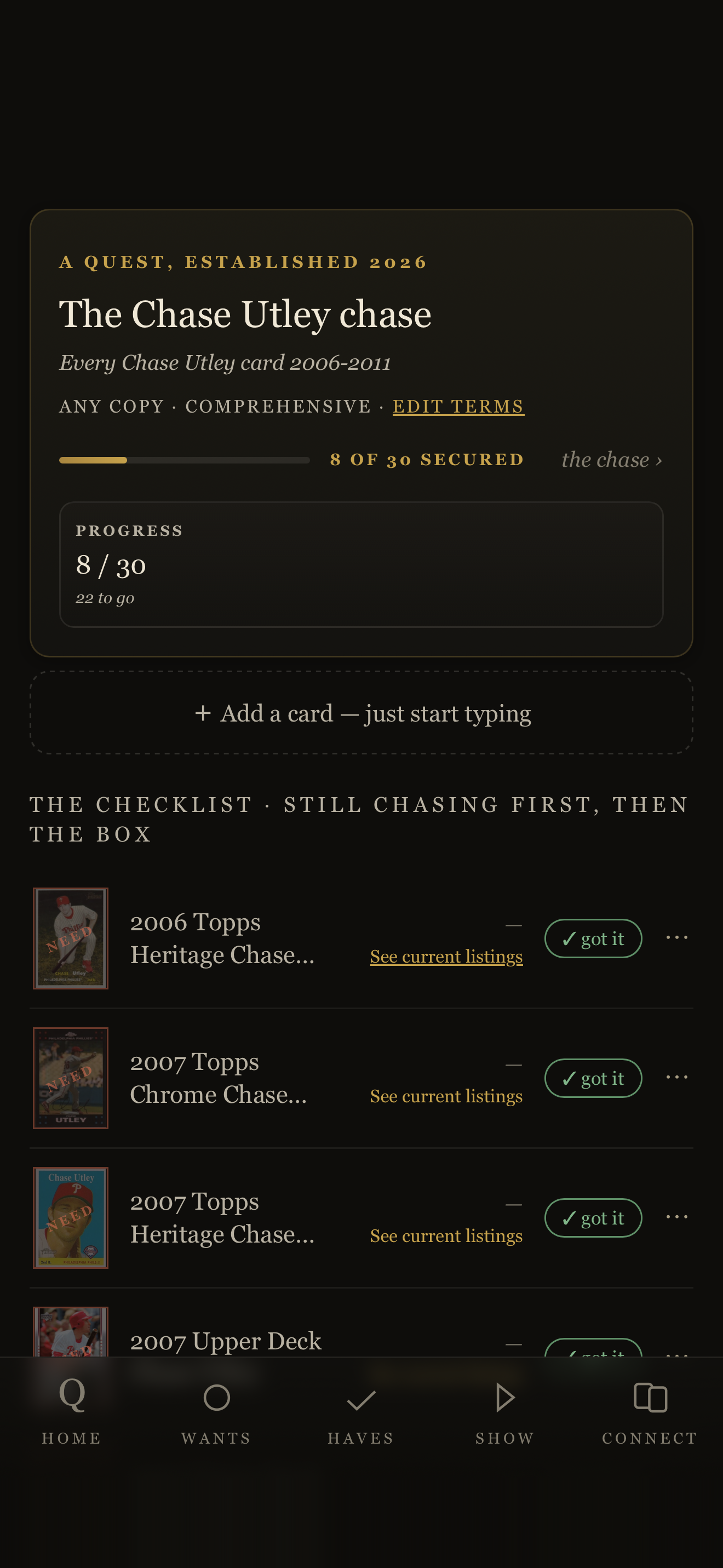
Name the cards you’re after and watch the chase: the checklist Quest keeps in your Wants, the cards you still need.
04
Import
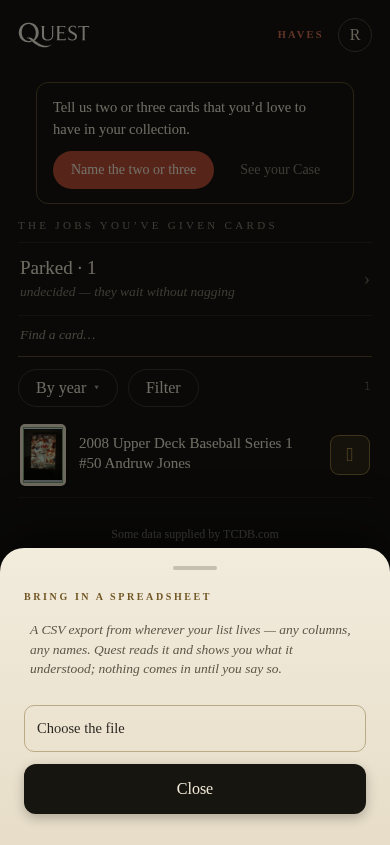
Bring in a spreadsheet and Quest reads it.
05
Value
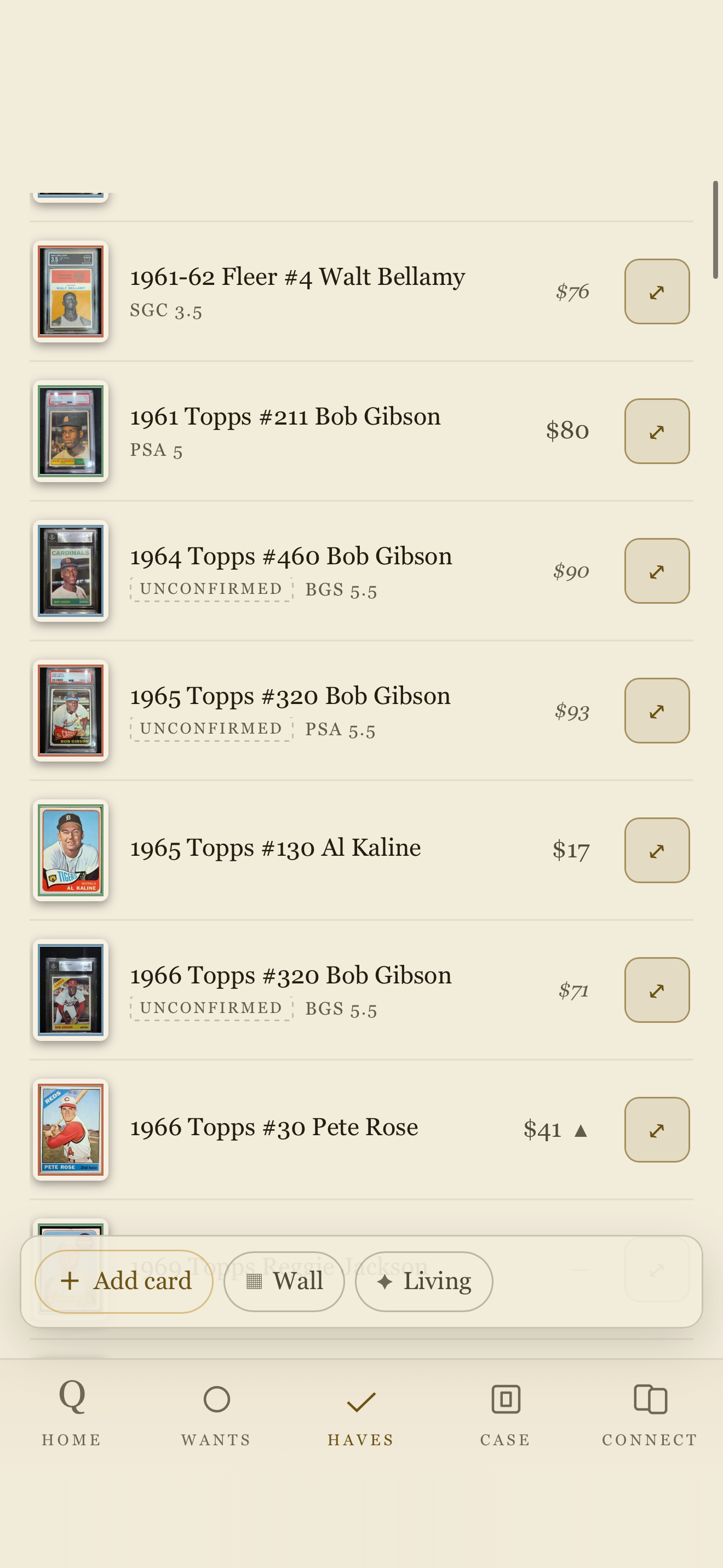
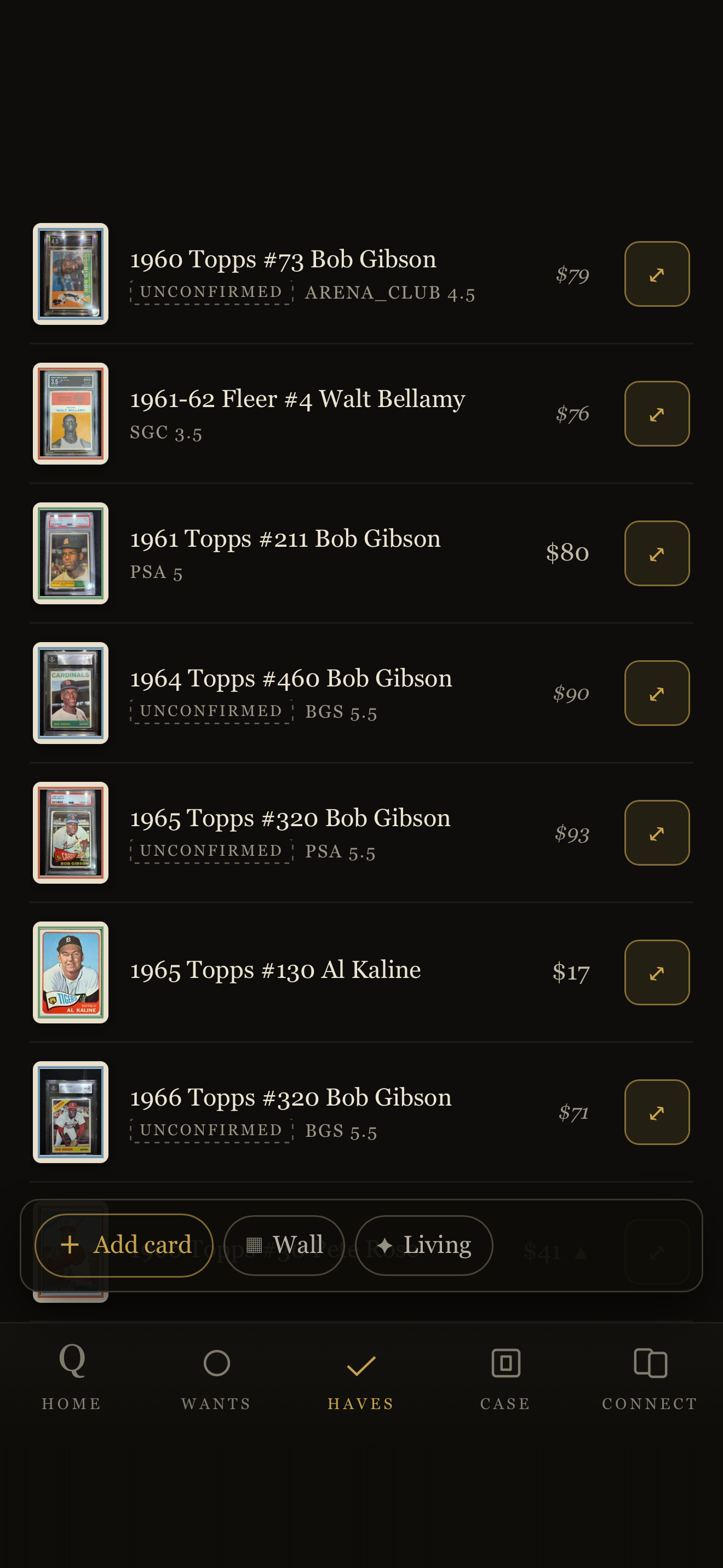
Each card in your Haves shows what it is worth, refreshed weekly on Free and daily on Collector and Curator.
06
Listings
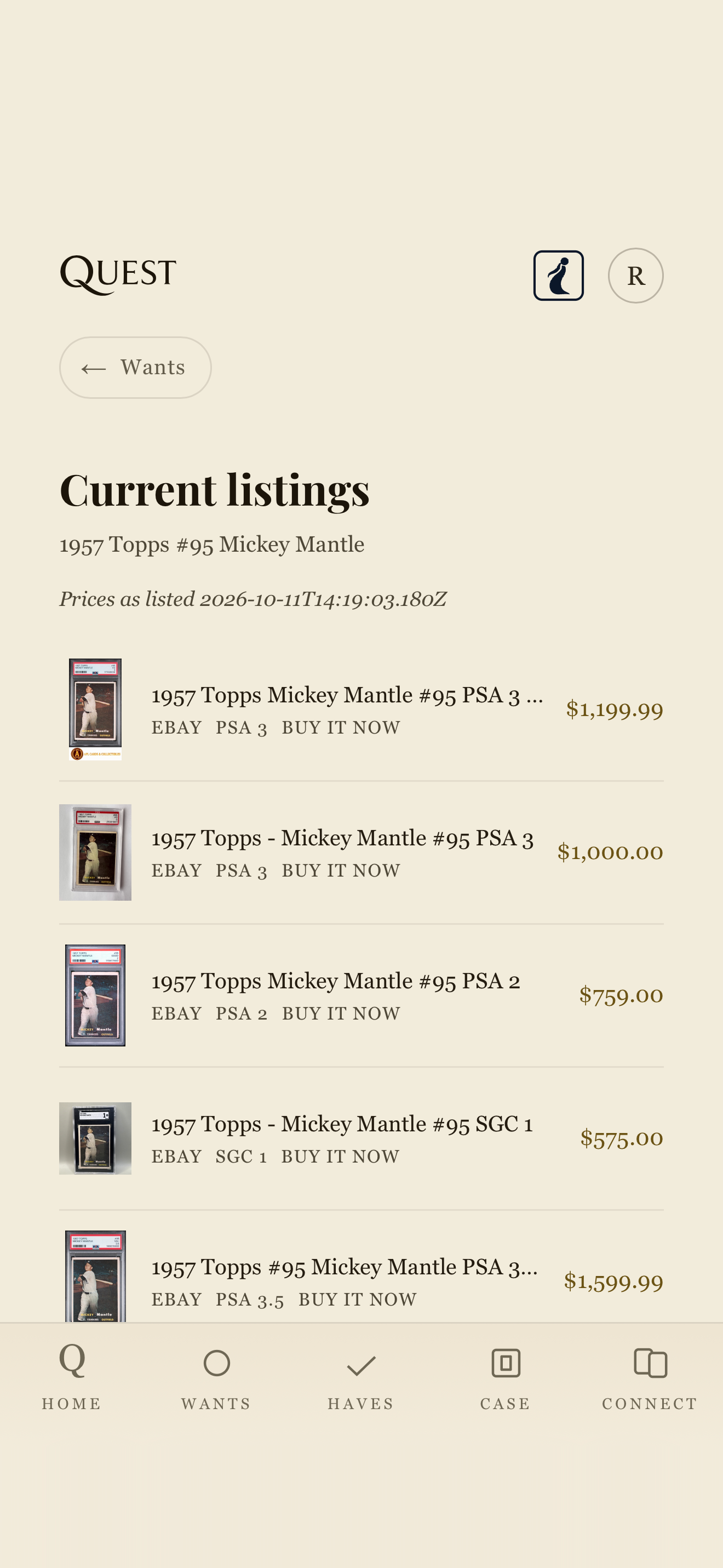
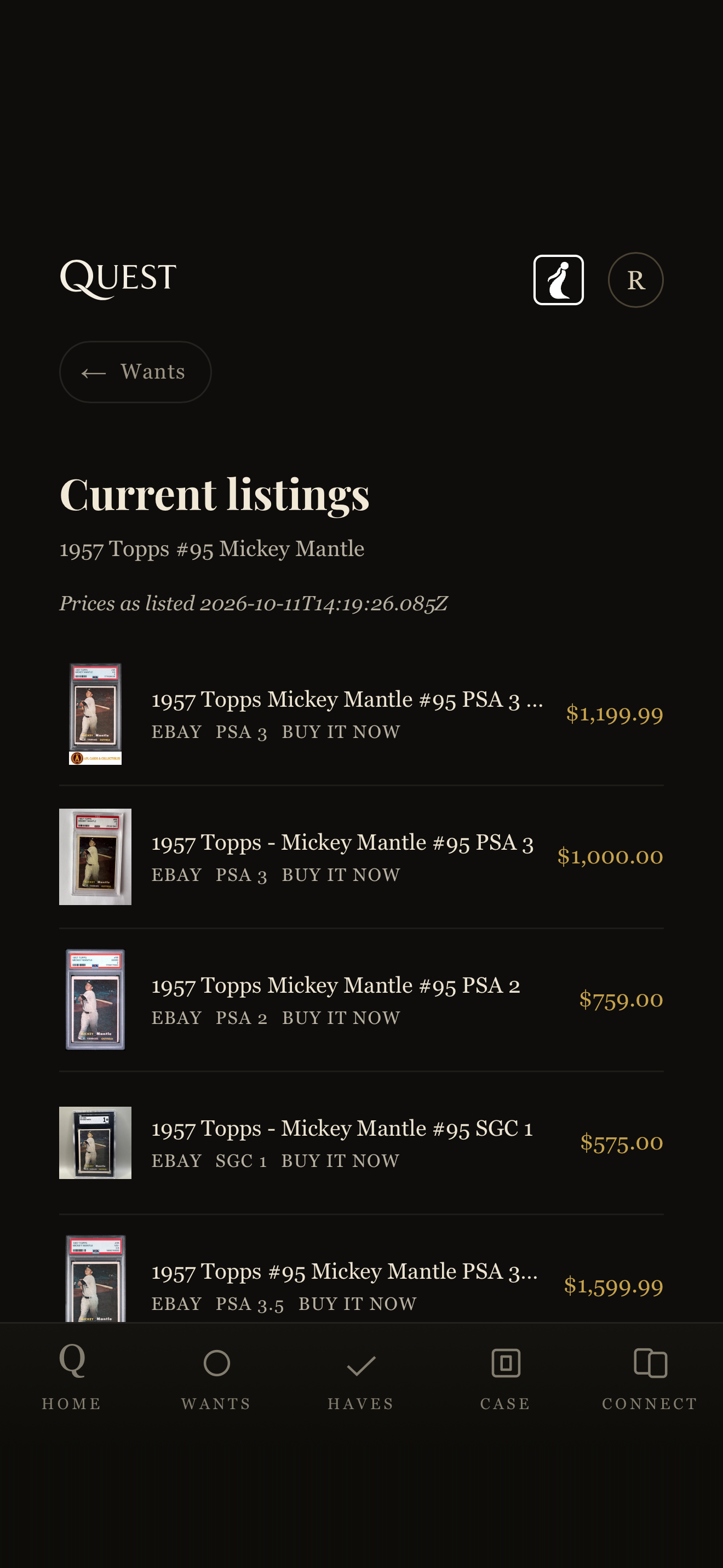
See current listings for a card, from independent sellers.
07
Awaken
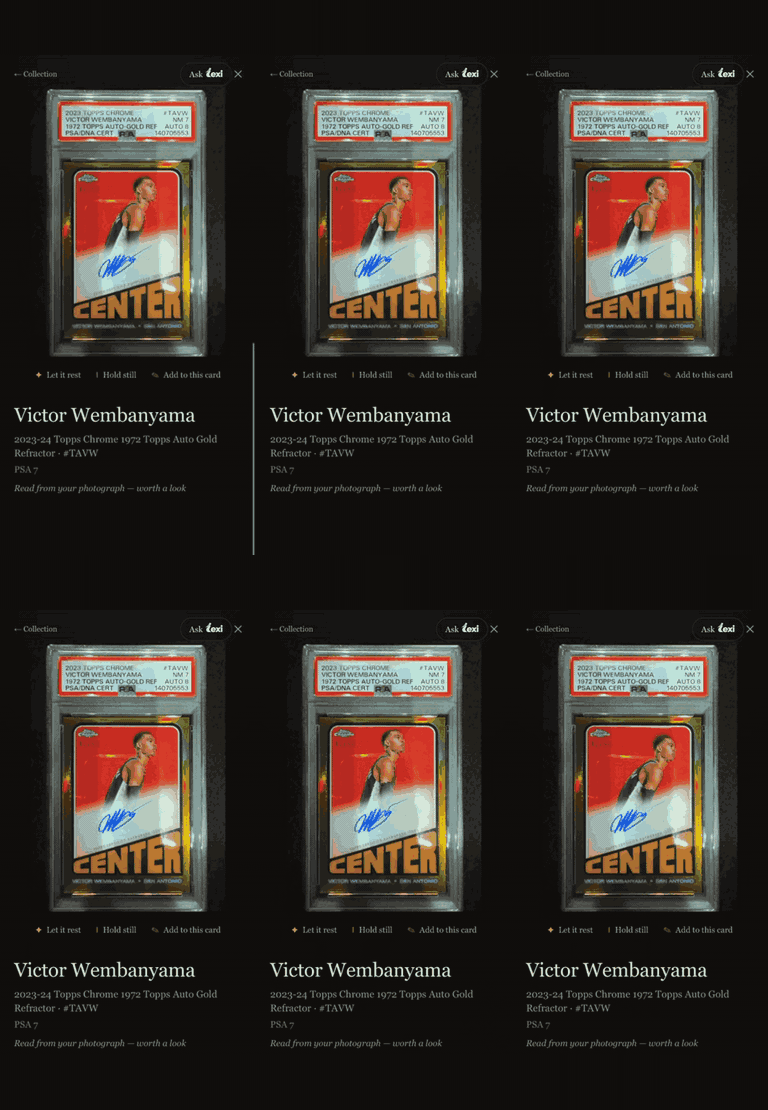
Awaken a card and it moves on your wall. Living cards is where you choose which ones.
08
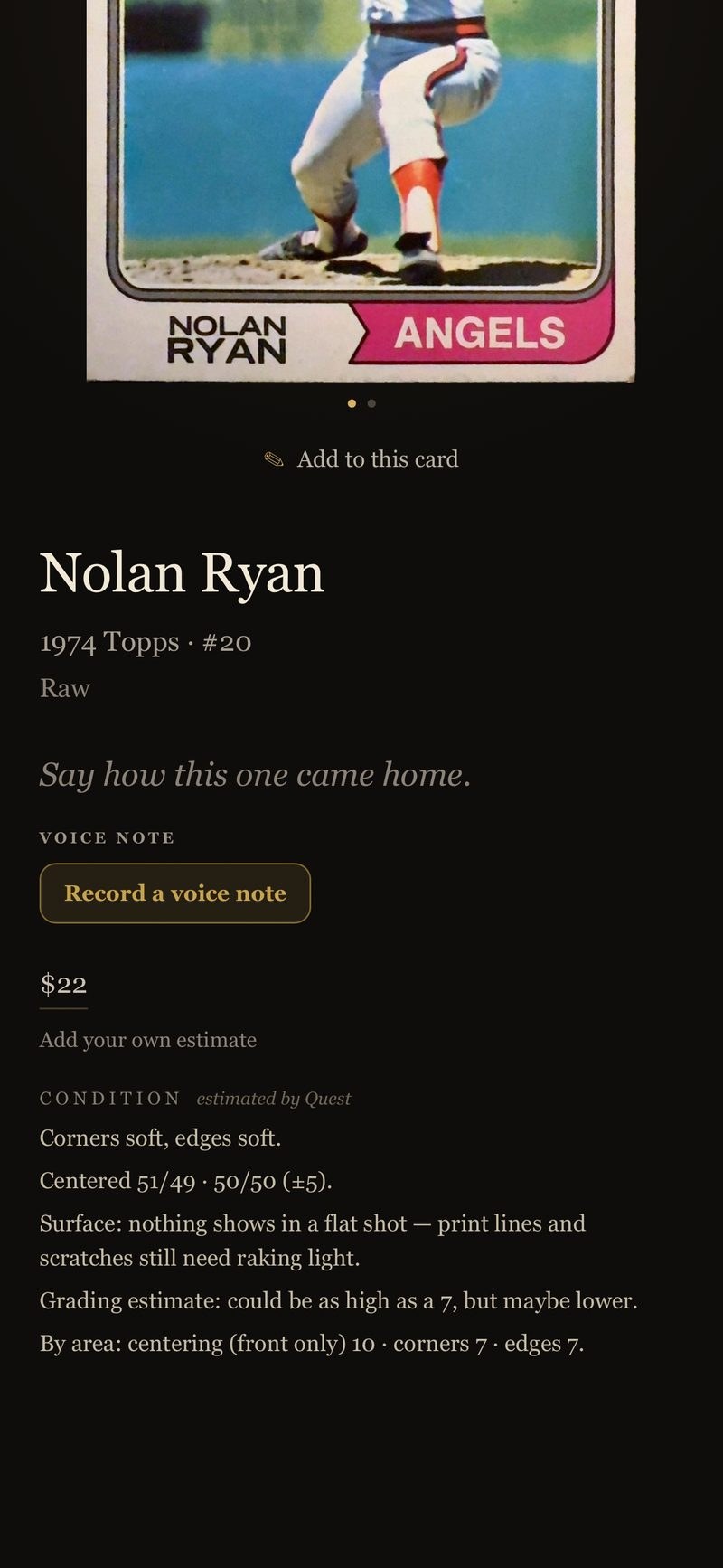
Two ways to grade with Quest
Grading Light gives you a quick understanding of the corners, centering and edges of your card and a grading estimate. Here’s what it looks like for a ’74 Ryan.
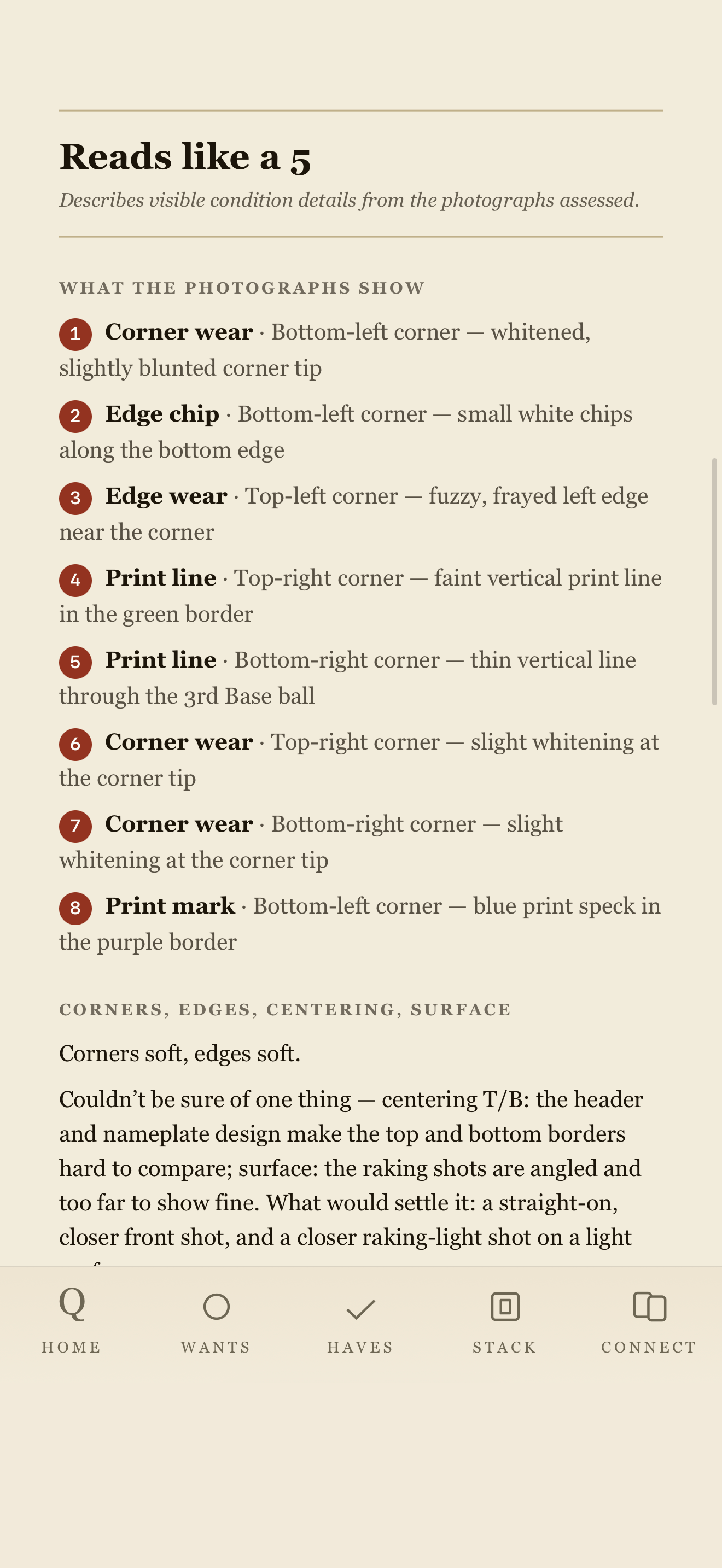
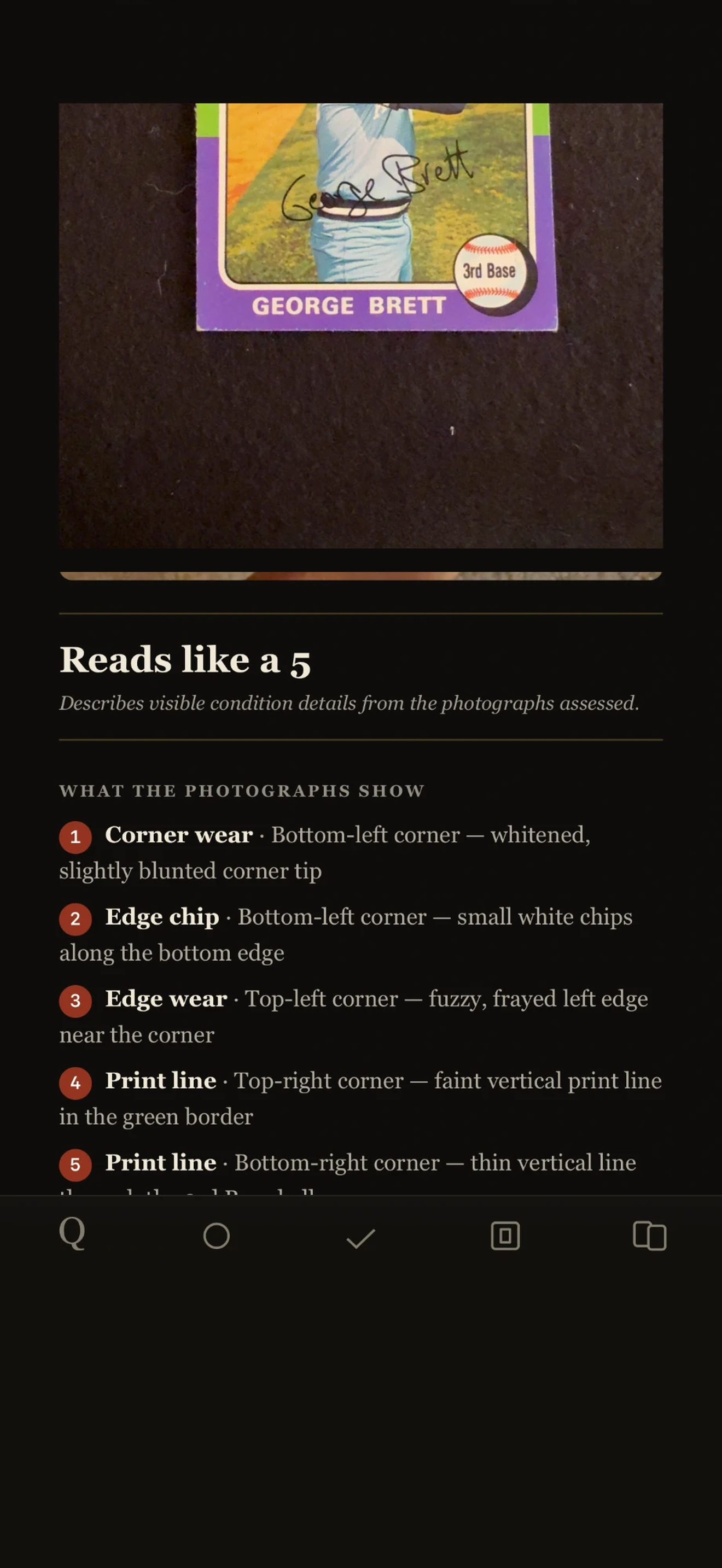
We also offer ARC, a comprehensive grading review, which includes a dozen pictures of your card and a detailed analysis of its likely grade, though of course not a guarantee. Here’s a couple of images of an analysis of a 1975 George Brett.