Stack
Choose the cards you want to show, arrange them, and share them one at a time, full screen. That's a Stack.
Share it anywhere - a text, a post, a link. Friends who've never heard of Quest see your showcase exactly as you do: one card at a time, full screen.
A Stack is a display of cards you’ve chosen. It isn’t an in-person card show.
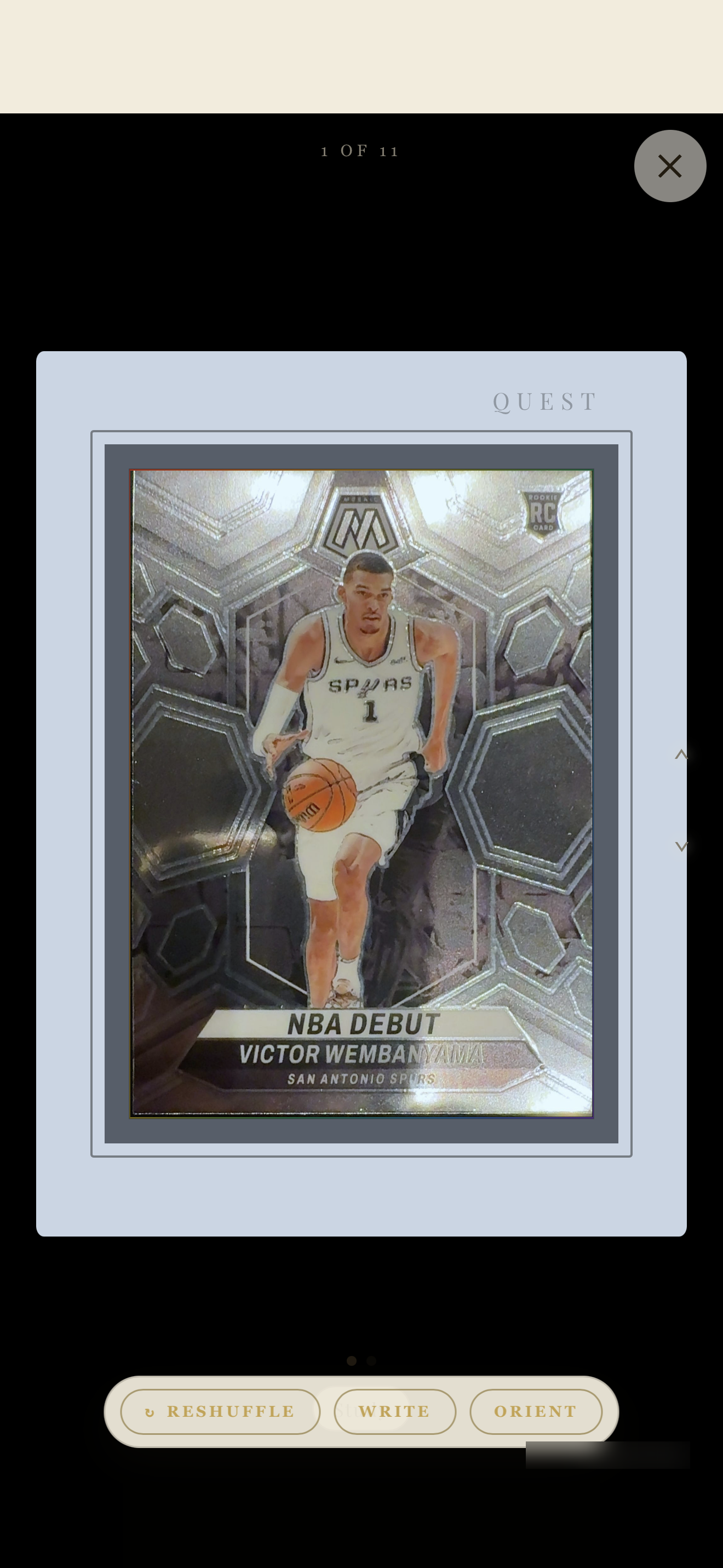
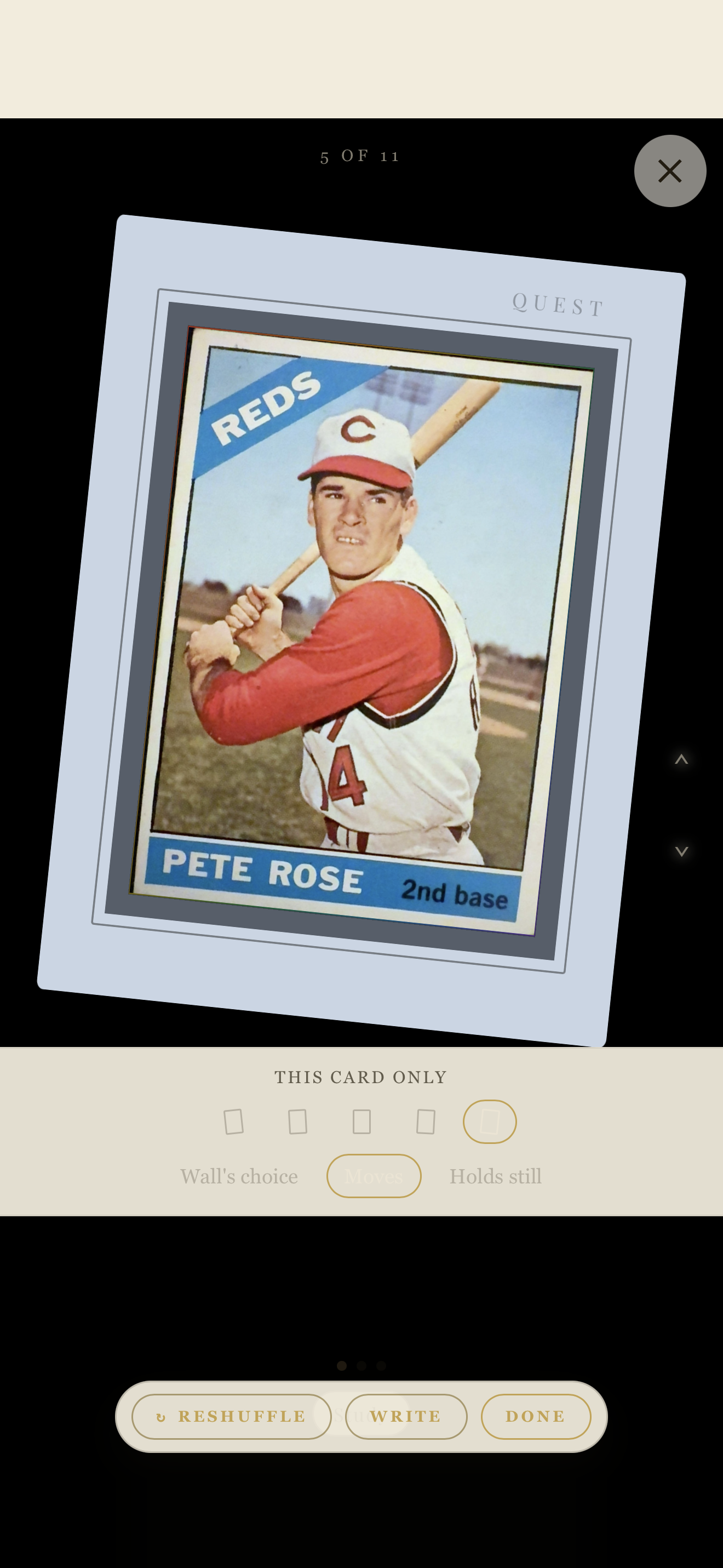
A Stack card, full screen
Sports.
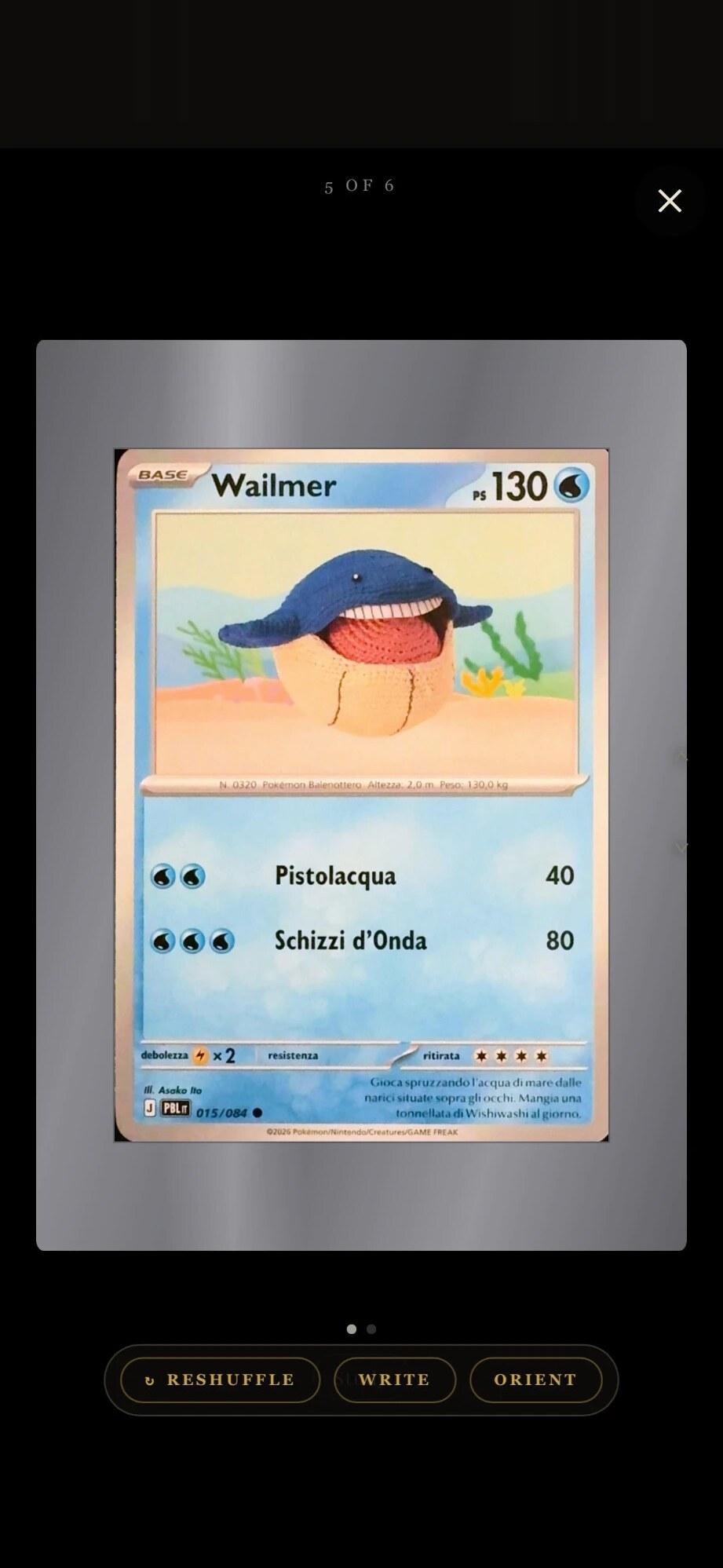
A Stack card, full screen
Pokémon.
Your collection is
ready to be seen.
Pick the cards you’re proudest of and put them on display — that’s a Stack. Make your first one now.
Your first Stack is free.
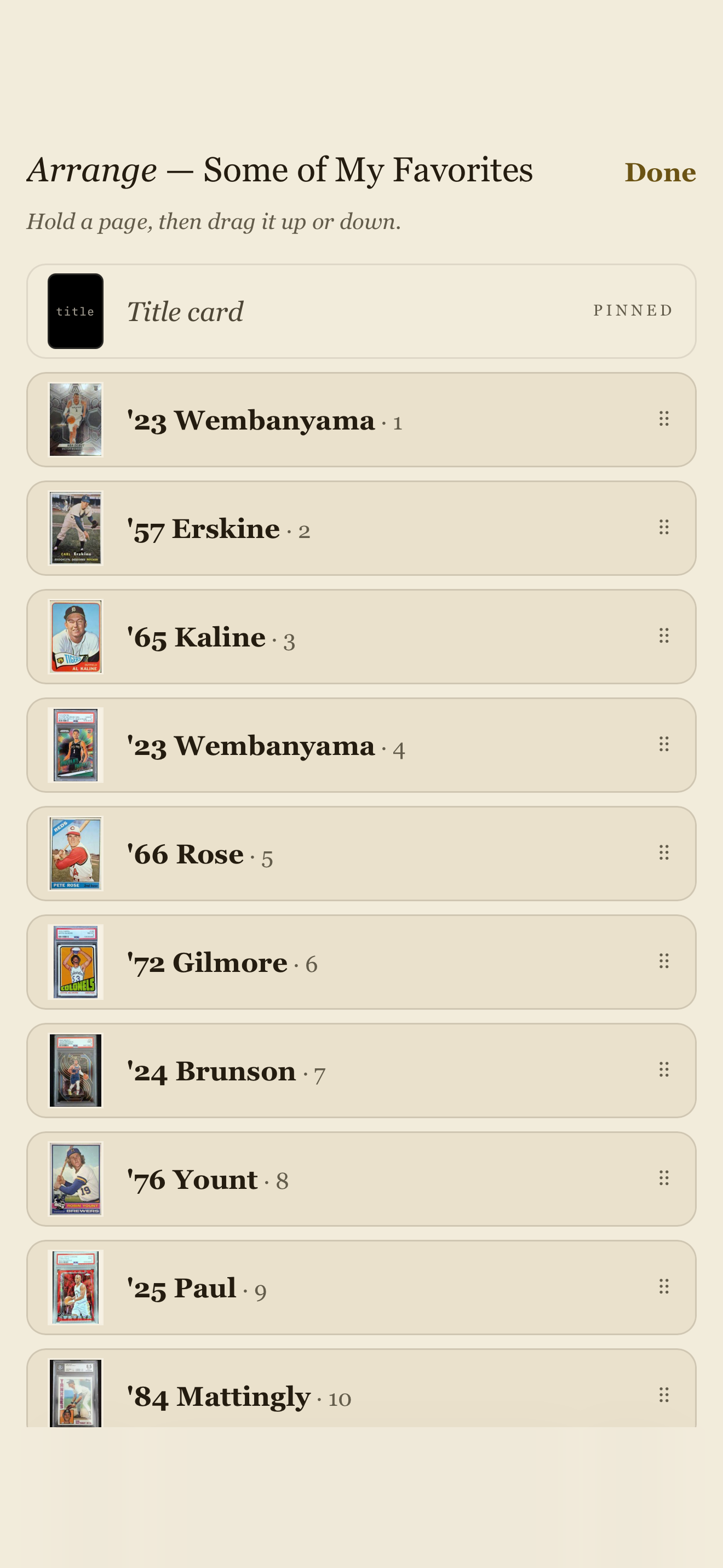
Arrange
“Hold a page, then drag it up or down.”
Choose and arrange
Pick the cards. Put them in order.
Choose from your Haves: slabs, raw cards, sports, Pokémon. Viewers see one card at a time, full screen, in the order you set. Play Showcase to see it the way they will.
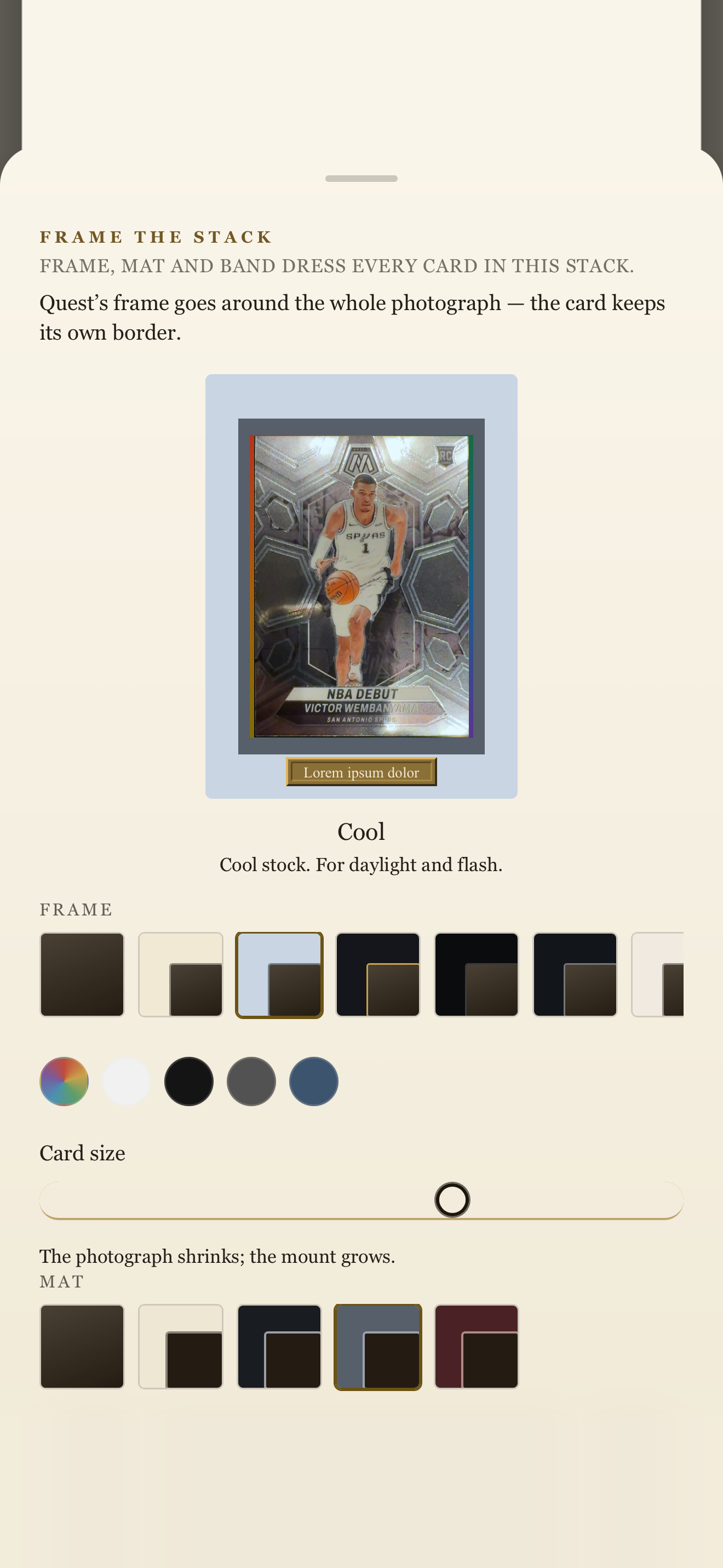
Frame the Stack
Frame, mat and band dress every card in the Stack.
Share
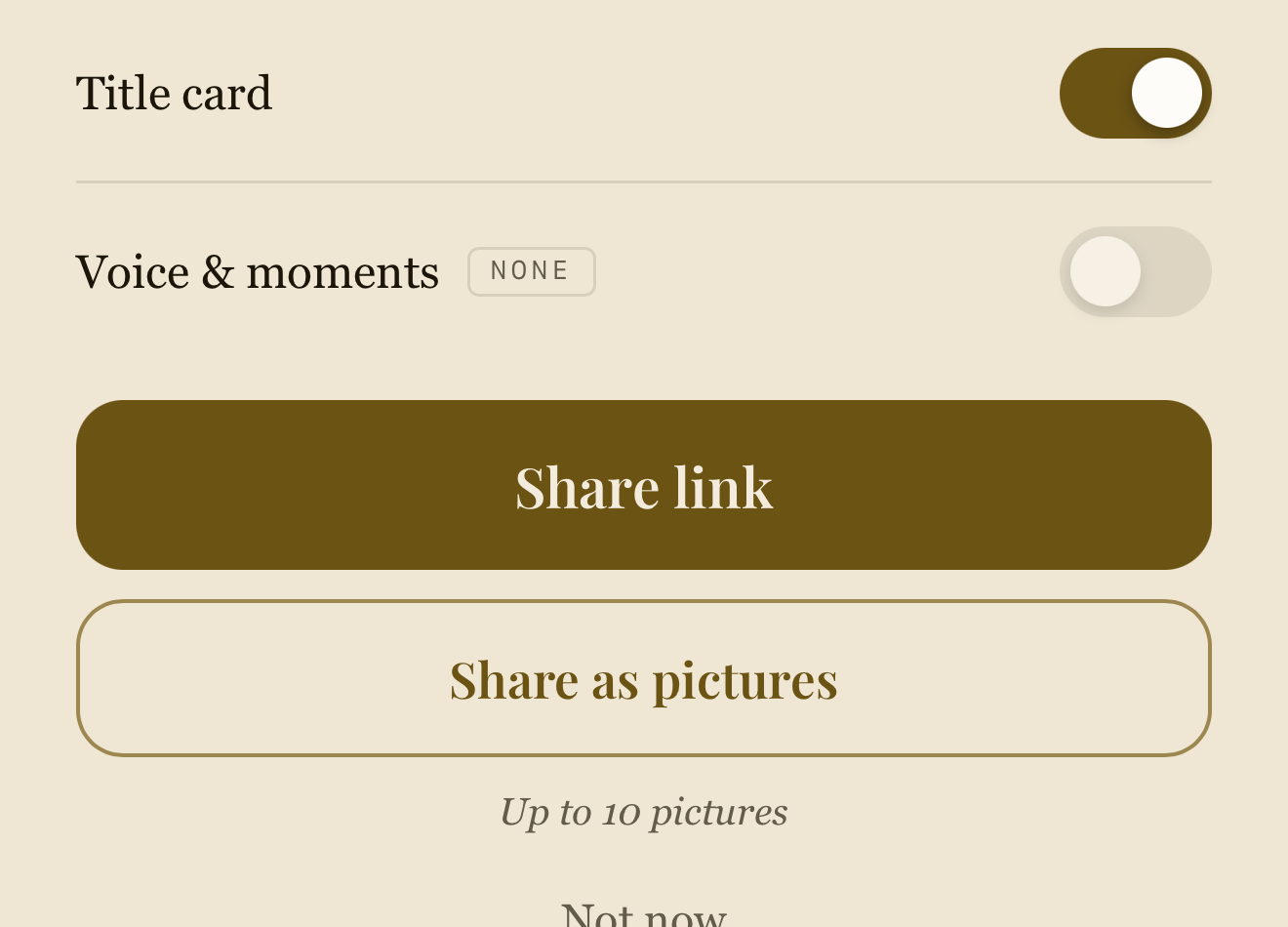
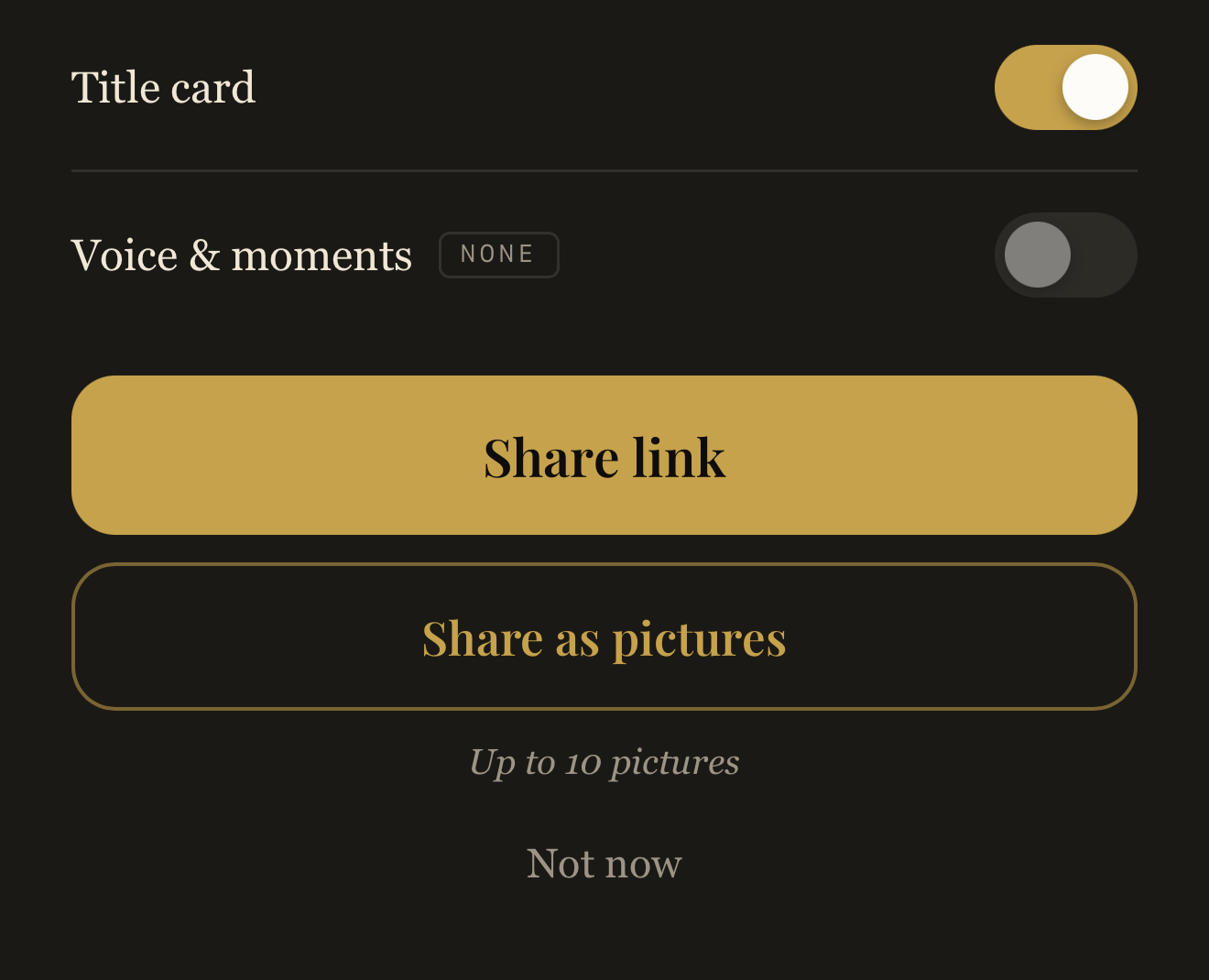
The share controls, light and dark.
Share
Share it when you’re ready.
A Stack is private until you share its link. Anyone with the link can open it, including people it’s forwarded to. It opens that Stack, never the rest of your collection.
When there’s nothing to open
No peek inside.
Someone who can’t see a Stack is told so, and nothing else is shown.